Self-Hosted Video Streaming Infrastructure for Developers and Content Platforms
```Build Your Own Secure HLS Streaming Server with Multi-CDN Load Balancing
Building a video platform is relatively easy. Delivering thousands of videos quickly, securely, and affordably is the real challenge.
Traditional video hosting services can become expensive as your traffic grows. At the same time, exposing public HLS playlists and video segment URLs may allow third parties to embed your content, consume your bandwidth, or redistribute your streams without permission.
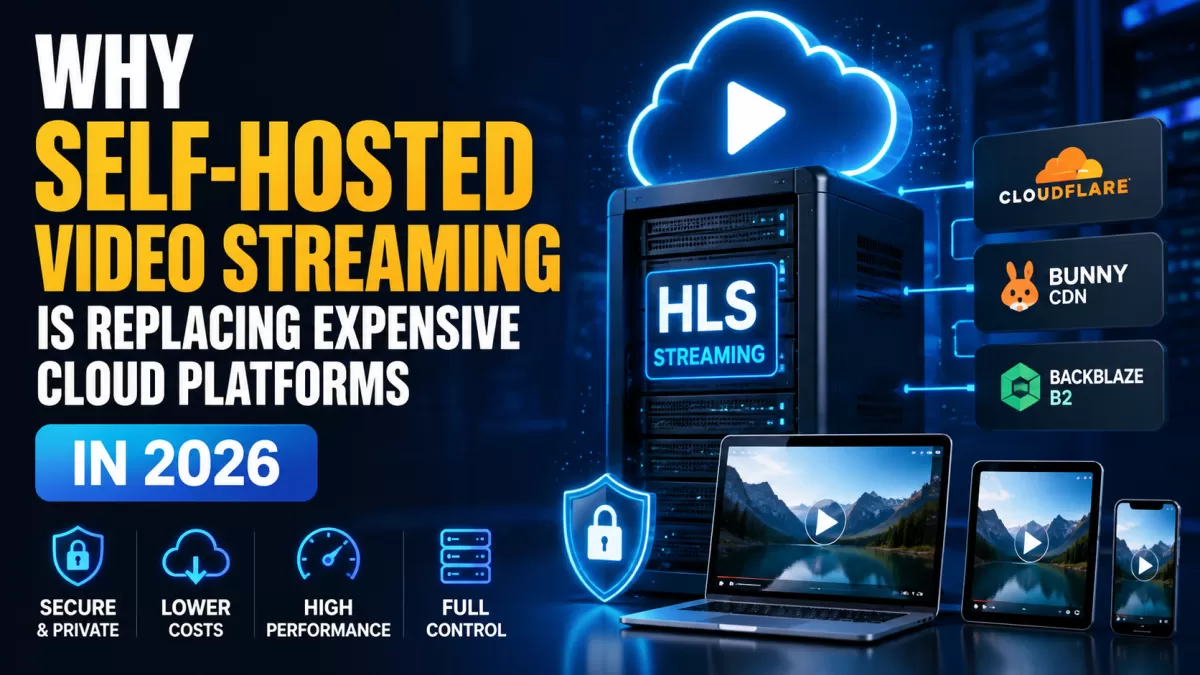
The Self-Hosted HLS TikTok CDN Server gives developers and platform owners full control over video processing, HLS delivery, CDN distribution, access protection, subtitles, advertising, and server deployment.
It is designed for short-form vertical video platforms, horizontal video websites, online course systems, membership portals, entertainment websites, mobile applications, and other projects that need fast and scalable video delivery.
```What Is a Self-Hosted HLS Streaming Server?
```A self-hosted HLS streaming server is a video delivery system installed on infrastructure that you control. Instead of uploading every video to a third-party streaming service, you manage the video-processing pipeline, storage strategy, security rules, player access, CDN configuration, and delivery workflow yourself.
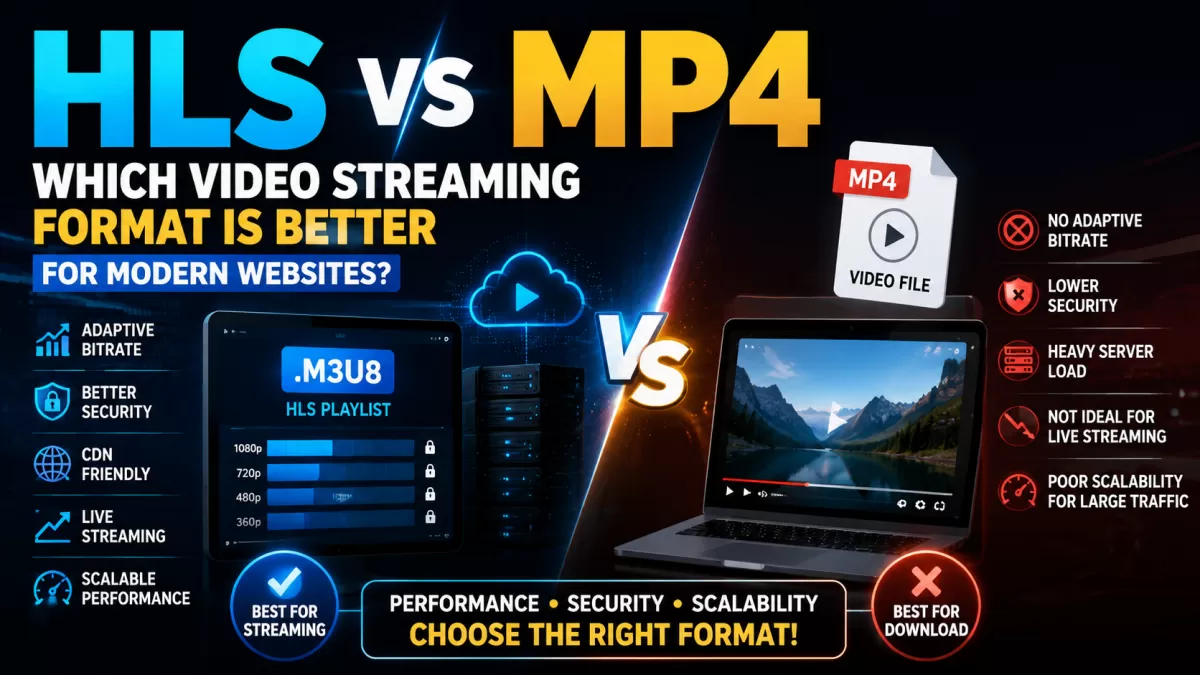
HLS stands for HTTP Live Streaming. It delivers video through a playlist,
normally using an .m3u8 file, together with multiple small media segments.
This structure allows compatible players to request the video progressively rather than
downloading the entire original file before playback begins.
In this system, uploaded or remotely sourced videos are processed through FFmpeg, packaged for HLS playback, prepared for CDN delivery, and managed through a centralized backend and administrative dashboard.
What the system manages
- Source video ingestion
- FFmpeg video processing
- HLS playlist and segment generation
- Video segment obfuscation
- Multi-CDN synchronization and routing
- Subtitle management
- VAST advertising
- Player access restrictions
- Domain and geographic access rules
- Deployment and server configuration
Why Build Your Own Video Streaming Infrastructure?
```Managed video platforms are convenient, but they can create limitations related to pricing, customization, platform rules, API control, branding, storage, and long-term infrastructure ownership.
A self-hosted video streaming platform is especially valuable when video is a core part of your product rather than a small supporting feature.
Control your infrastructure
You decide where the application runs, where media is stored, which CDN providers are connected, which domains can embed the player, and how video access is managed.
Reduce vendor dependency
Your application is not permanently tied to a single video hosting provider. CDN nodes, storage providers, domains, security rules, and player behavior can be adjusted to match your business requirements.
Customize the complete workflow
Because the platform is delivered as source code, developers can extend the interface, integrate payment systems, connect external APIs, add new CDN adapters, modify the player, or build custom automation around the existing backend.
Build for your own business model
The system can support free video platforms, subscription websites, paid courses, advertising-funded portals, private media libraries, short-video applications, or custom commercial streaming services.
```How the Secure HLS Video Delivery System Works
```The platform automates the video lifecycle from ingestion to playback. A typical workflow follows these stages:
- Video ingestion: Upload a source video or provide a supported remote video source such as Google Drive.
- FFmpeg processing: The backend sends the video through an FFmpeg pipeline for HLS preparation.
- HLS packaging: The system generates playlists and smaller video segments for progressive playback.
- Segment obfuscation: Generated media segments can be represented with PNG-style file extensions to make direct media discovery less obvious and improve compatibility with selected storage or delivery configurations.
- CDN synchronization: Processed files are distributed to configured CDN locations.
- Traffic routing: Viewer requests can be routed between multiple CDN endpoints according to configured distribution rules.
- Access validation: Domain restrictions, geographic rules, player controls, and other configured checks are applied.
- Video playback: The viewer receives the authorized HLS stream through the embedded player.
Core Features of the Self-Hosted HLS Streaming Server
```1. HLS video processing with FFmpeg
The platform uses FFmpeg as part of its video-processing pipeline. This enables the backend to convert source media into an HLS-compatible structure suitable for playback across modern browsers, mobile devices, and supported applications.
Automating this process removes the need to prepare every video manually before it is published.
2. Vertical and horizontal video delivery
The system is suitable for vertical TikTok-style clips as well as traditional horizontal video. It can therefore be used as the streaming backend for mobile video feeds, entertainment websites, learning platforms, and general-purpose video portals.
3. Fake PNG segment obfuscation
Standard HLS implementations commonly expose media segments using recognizable video extensions. This platform can disguise generated segments with PNG-style file extensions, making them less obvious to basic scanners and casual users inspecting requests.
This feature can also help developers work with storage and CDN configurations designed primarily for static assets. It should be treated as an obfuscation layer rather than encryption or digital rights management.
4. Multi-CDN management
Administrators can register multiple CDN endpoints instead of relying on one delivery provider. This creates a more flexible video distribution architecture and reduces dependence on a single network.
5. Weighted traffic distribution
CDN resources can be assigned routing weights, allowing traffic to be distributed according to the capacity, cost, or priority of each configured provider.
6. Subtitle management
The platform includes subtitle-management functionality for commonly used subtitle formats, including:
- WebVTT or VTT
- SubRip or SRT
- Advanced SubStation Alpha or ASS
An interactive editing workflow helps administrators upload, arrange, and manage subtitle tracks for videos without rebuilding the entire media pipeline manually.
7. Administrative dashboard
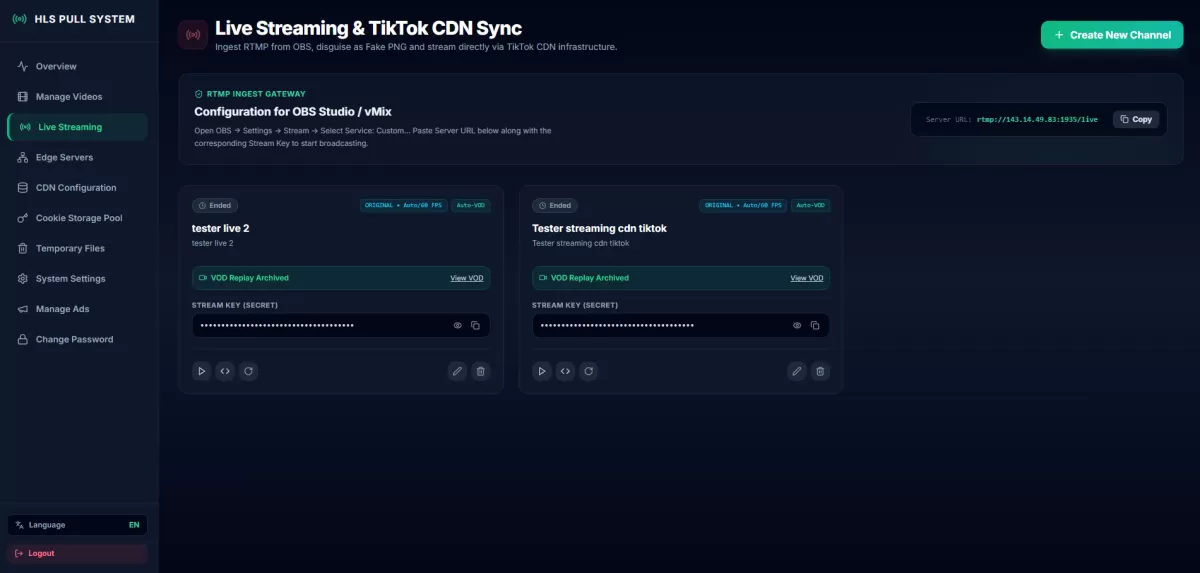
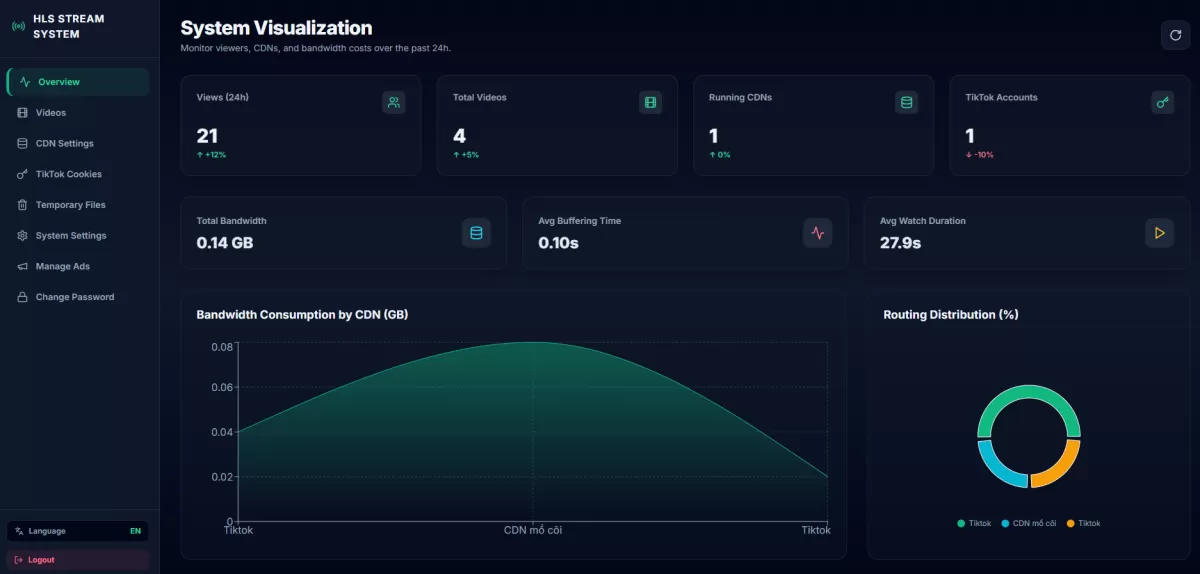
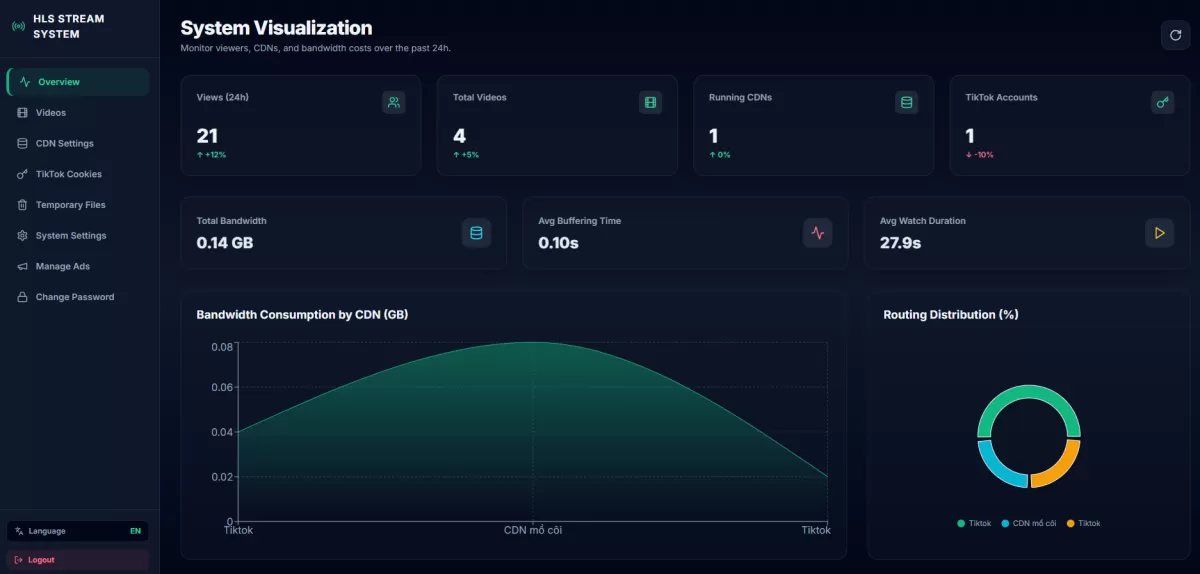
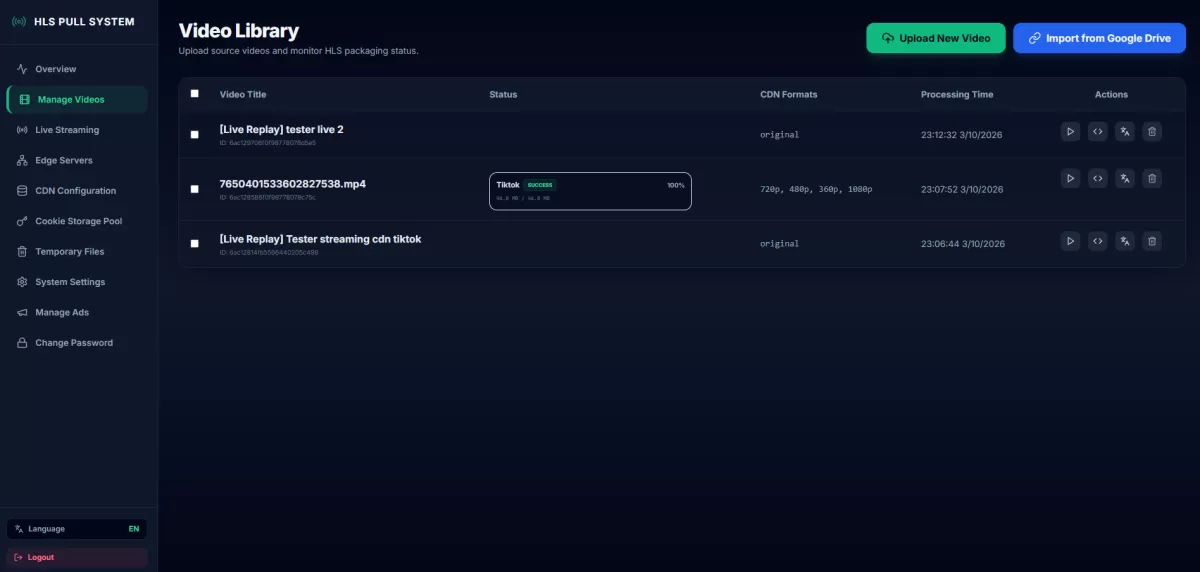
A centralized management interface gives administrators control over videos, processing, delivery configuration, subtitles, advertising, CDN endpoints, and player-related settings.
8. Source code ownership
Buyers receive the application source code according to the selected product package. This makes the project suitable for developers who need to modify, extend, integrate, or rebrand the system for a specific business.
```Secure HLS Streaming and Anti-Hotlink Protection
```Publicly accessible video links can be copied and embedded on unauthorized websites. When this happens, the original infrastructure owner may still pay the storage and bandwidth costs while another website benefits from the content.
This HLS streaming platform provides several defensive layers designed to reduce unauthorized embedding and casual stream extraction.
Domain whitelist protection
Administrators can define which websites are allowed to load the embedded video player. Requests coming from unapproved domains can be rejected according to the configured access rules.
Referer-based access filtering
Referer filtering can help detect whether the player is being loaded from an approved website. This adds another barrier against straightforward iframe copying and basic hotlinking attempts.
Geographic access control
Geo-blocking rules can restrict playback based on the detected viewer location. This is useful when content rights, business policies, advertising campaigns, or private services are limited to selected countries.
Dynamic floating watermark
A dynamic watermark can display viewer-related information, such as an IP address, and move it across the playback area. This can discourage direct screen recording and make leaked recordings easier to associate with a viewing session.
Restricted browser interactions
The embedded player can disable common right-click actions and selected developer-tool keyboard shortcuts. These controls reduce casual copying but should not be considered a replacement for server-side authorization.
Layered protection instead of one security trick
Effective video protection should combine server-side request validation, restricted embedding, access policies, short-lived authorization where available, monitoring, watermarking, and appropriate CDN rules.
Obfuscating a file extension or disabling browser shortcuts alone cannot provide complete content protection. The strongest setup uses several independent layers together.
```Automatic Multi-CDN Distribution and Load Balancing
```Relying on one CDN creates a single point of operational dependency. A provider outage, routing issue, regional slowdown, account limitation, or unexpected cost increase may affect the entire video platform.
The Multi-CDN functionality allows administrators to configure several delivery nodes and distribute viewer traffic across them.
Benefits of a Multi-CDN architecture
- Reduce dependence on one CDN provider
- Distribute bandwidth usage across different endpoints
- Assign higher traffic weight to preferred providers
- Build fallback options for delivery failures
- Optimize infrastructure according to region or cost
- Scale video delivery without replacing the full application
Weighted CDN routing
Different CDN nodes may have different bandwidth limits, geographic performance, or pricing models. Weighted routing lets administrators control the approximate share of traffic assigned to each endpoint.
For example, a primary CDN may receive most requests while a secondary node handles overflow or fallback traffic.
Flexible provider strategy
The architecture can be adapted to supported third-party CDNs, self-managed CDN nodes, or compatible storage-delivery services, depending on the final deployment and custom integration requirements.
```Google Drive Direct Transcoding with FFmpeg
```Large source videos can consume significant VPS storage when they must be fully downloaded before processing. The Google Drive direct transcoding workflow is designed to reduce this temporary disk requirement.
Instead of permanently storing the complete original file on the processing server first, the backend can pass the remote stream into the FFmpeg pipeline for processing.
Potential advantages
- Reduce temporary source-file storage on the VPS
- Simplify migration from an existing Google Drive video library
- Automate remote-source video processing
- Lower the amount of manual file movement
- Keep the processing workflow inside one dashboard
Actual performance depends on the source availability, Google Drive access conditions, network stability, server resources, and the encoding profile used by FFmpeg.
```VAST Advertising for Video Monetization
```A video platform needs a monetization strategy if it is expected to generate revenue. The system supports VAST-based video advertising for integration with a compatible playback setup.
Supported advertising positions
- Pre-roll: An advertisement displayed before the main video begins.
- Mid-roll: An advertisement displayed during the main video.
- Post-roll: An advertisement displayed after the video finishes.
Upload advertising videos
Administrators can upload an MP4 advertisement and use the system to prepare the associated advertising workflow.
Connect third-party VAST URLs
Existing VAST XML links from supported advertising providers can also be configured, allowing the platform to work with external ad-serving infrastructure.
Custom skip-ad timing
The advertising configuration can include countdown and skip-button behavior, enabling administrators to balance monetization with viewer experience.
```One-Click VPS Deployment and Automatic Environment Setup
```Deploying a production video application manually can require many steps. The included deployment workflow is designed to automate much of the initial server configuration through SSH.
Automated deployment workflow
- Prepare a compatible Ubuntu VPS.
- Add the VPS and SSH configuration to the deployment settings.
- Run the provided deployment process.
- Allow the script to inspect server resources and required services.
- Install and configure the supported application stack.
- Configure the domain, web server, and SSL environment.
- Launch the backend and administrative interface.
- Create the initial administrator account securely.
Components installed or configured by the deployment workflow
- Node.js
- Git
- Nginx
- Certbot
- Let's Encrypt SSL
- FFmpeg
- Redis
- MongoDB
- PM2
Server administration knowledge is still recommended for production systems. Buyers should understand DNS, SSH security, backups, firewall rules, resource monitoring, operating-system updates, and database maintenance.
```Who Should Use This HLS Streaming Server?
```Short-video application developers
Developers building TikTok-style applications can use the platform as a foundation for video ingestion, processing, delivery, subtitles, advertising, and access control.
Movie and entertainment websites
Entertainment platforms can manage HLS video delivery, subtitles, monetization, and domain-level embed restrictions from a centralized system.
Anime and serialized content platforms
Websites publishing episodes or serialized video content can organize streaming assets, subtitle tracks, CDN endpoints, and player access through one backend.
Online course platforms
Educational businesses can host lesson videos on their own infrastructure and apply domain restrictions, geographic policies, and watermarking to discourage casual sharing.
Membership websites
Paid communities and subscription platforms can integrate the streaming backend into their existing authentication, payment, and content-access systems through customization.
Media companies
Publishers managing large media libraries can build an internal or customer-facing video workflow without depending entirely on a closed managed streaming provider.
Advertising and MMO projects
Website owners can use VAST integrations to build advertising-supported video experiences and manage their own video delivery infrastructure.
Mobile application developers
The backend can serve as part of a customized video API and delivery layer for Android, iOS, and cross-platform applications.
```Technology Stack and System Requirements
```The source-code package uses a modern web and video-processing stack designed for a Linux-based server environment.
Core technologies
- Node.js: Backend application runtime
- Fastify: High-performance Node.js web framework
- React: Administrative frontend
- Tailwind CSS: Interface styling
- FFmpeg: Video processing and HLS preparation
- MongoDB: Persistent application data
- Redis: Caching and supporting application workflows
- Nginx: Reverse proxy and web delivery
- PM2: Node.js process management
- Certbot: SSL certificate configuration
Recommended server environment
- Linux VPS or dedicated server
- Supported Ubuntu installation
- Root or sufficient sudo access
- SSH access
- A domain or subdomain
- Open required network ports
- Sufficient CPU for FFmpeg processing
- Sufficient RAM for the selected workload
- Reliable network connectivity
- Configured CDN or storage endpoints
The exact CPU, RAM, disk, and bandwidth requirements depend on video length, input resolution, encoding settings, concurrent processing jobs, viewer traffic, and CDN architecture.
```Self-Hosted HLS Streaming vs Managed Video Platforms
```| Category | Self-Hosted HLS Server | Managed Video Platform |
|---|---|---|
| Infrastructure control | High control over server, code, CDN, and storage | Controlled mainly by the provider |
| Source-code access | Available according to the purchased package | Usually unavailable |
| Customization | Can be extended by developers | Limited to available platform settings and APIs |
| Deployment | Requires your own VPS and configuration | Infrastructure managed by the provider |
| Maintenance | Your team manages updates, backups, and monitoring | Core infrastructure maintained by the provider |
| CDN strategy | Supports a configurable Multi-CDN approach | Usually tied to the provider's delivery network |
| Pricing model | Source-code cost plus your own infrastructure expenses | Usually recurring usage or subscription fees |
| Vendor lock-in | Lower when the code and infrastructure are controlled by you | Migration may depend on provider export capabilities |
| Technical responsibility | Requires server and application management | Lower operational responsibility for the customer |
A managed platform may be better for teams that want the simplest possible setup. A self-hosted server is better suited to businesses that value ownership, customization, infrastructure flexibility, and long-term control.
```What Is Included?
```Available options may include the source-code package, deployment assistance, usage guidance, and custom development services.
Source-code package
- Application source code
- Backend and administrative frontend
- HLS and FFmpeg processing workflow
- Multi-CDN management functionality
- Subtitle-management functionality
- VAST advertising functionality
- Deployment files and documentation
Installation and guidance
A deployment and guidance package may be requested for customers who need help preparing the environment, installing the application, configuring essential services, and learning the basic management workflow.
Custom development
Custom services may include interface redesign, additional features, payment integration, external API integration, player modifications, CDN integrations, or project-specific business logic.
Contact SuncodeVN before purchasing when your project requires functionality that is not explicitly included in the standard product description.
```Why Choose This Secure HLS Streaming Source Code?
```- Own and manage your video streaming infrastructure
- Process videos automatically with FFmpeg
- Deliver vertical and horizontal video
- Configure multiple CDN endpoints
- Distribute traffic using weighted routing
- Reduce casual hotlinking through layered player restrictions
- Apply domain whitelist and geographic access rules
- Display dynamic viewer watermarks
- Manage VTT, SRT, and ASS subtitles
- Integrate pre-roll, mid-roll, and post-roll advertisements
- Process supported Google Drive video sources
- Deploy the application through an automated SSH workflow
- Customize the source code for your own platform
Build a Video Platform You Actually Control
```Video infrastructure should not become a permanent limitation on your product. With a self-hosted HLS streaming server, you control the codebase, processing pipeline, CDN strategy, player restrictions, advertising workflow, and future development roadmap.
Whether you are building a short-video mobile application, a private course library, an entertainment website, a membership platform, or a custom video SaaS product, this source code provides a strong technical foundation that can be adapted to your project.
Stop depending entirely on third-party video platforms. Build an HLS delivery system that belongs to your business.
```Frequently Asked Questions
```What is an HLS streaming server?
An HLS streaming server prepares and delivers video through an HLS playlist and a sequence of smaller media segments. This allows compatible players to load video progressively over HTTP.
Is this platform self-hosted?
Yes. The application is designed to be installed on a compatible Linux or Ubuntu server that you control.
Do I receive the source code?
The source-code package provides access according to the product terms and selected purchase option. Review the product page or contact SuncodeVN before purchasing if you require clarification about licensing or included files.
Does the system support vertical TikTok-style video?
Yes. The system is designed to support vertical short-form video as well as standard horizontal video.
Does it use FFmpeg?
Yes. FFmpeg is used as part of the video-processing and HLS preparation pipeline.
Can it process videos from Google Drive?
The product includes a Google Drive direct-transcoding workflow that can pass a supported remote video source into the FFmpeg pipeline without first keeping a full permanent copy of the source on the processing server.
What is fake PNG segment obfuscation?
It is a technique that presents generated media segments using PNG-style file extensions. This makes the files less obvious to casual inspection and may improve compatibility with selected static-asset delivery configurations. It is not encryption or DRM.
Does the platform support multiple CDNs?
Yes. Administrators can configure multiple CDN endpoints and distribute traffic according to supported routing and weighting rules.
Can it completely prevent video downloading?
No web-based streaming system can guarantee that a video will never be captured, downloaded, or recorded. This platform adds defensive layers that reduce casual hotlinking, unauthorized embedding, and straightforward link copying.
What anti-hotlink features are included?
Available controls include domain whitelisting, referer filtering, geographic restrictions, dynamic watermarking, and selected embedded-player interaction restrictions.
Can I restrict playback to my own website?
Yes. Domain whitelist rules can be configured so the embedded player is accepted only on approved domains, subject to the final deployment and security configuration.
Does it support geographic blocking?
Yes. Geographic access rules can be used to limit video playback according to the detected viewer location.
Does it support dynamic watermarks?
Yes. The player can display a moving watermark containing viewer-related information to discourage unauthorized screen recording and redistribution.
Which subtitle formats are supported?
The product description lists VTT, SRT, and ASS subtitle-management support.
Does it support video advertising?
Yes. It supports VAST-related advertising workflows, including pre-roll, mid-roll, and post-roll positions.
Can I use a third-party VAST URL?
Yes. The system is designed to accept supported third-party VAST XML URLs as part of the advertising configuration.
Can I customize the skip-ad timer?
The advertising workflow includes configurable countdown and skip-button behavior.
Can the platform be installed automatically?
The package includes an SSH-based automated deployment workflow designed to install and configure the supported application environment on a compatible VPS.
Which operating system is required?
The published system requirements specify Linux and Ubuntu. Confirm the supported Ubuntu version before deploying.
Which server components are used?
The application stack includes Node.js, Nginx, MongoDB, Redis, FFmpeg, PM2, and supporting SSL deployment tools.
Can I customize the interface and add features?
Yes. Because this is a source-code product, qualified developers can modify the interface and business logic. SuncodeVN also offers custom-development services.
Is this suitable for an online course website?
Yes. It can be adapted for lesson-video delivery, private membership content, subtitle management, domain restrictions, and customized user-access systems.
Is it suitable for a movie or anime website?
The video-processing, subtitle, advertising, and CDN-management features make it suitable as a foundation for legally operated entertainment platforms that have the necessary rights to distribute their content.
Do I still need a CDN?
You need suitable storage and delivery infrastructure for production traffic. The platform manages and routes configured CDN endpoints, but it does not eliminate the underlying cost of servers, storage, processing, or bandwidth.
How many viewers can the system support?
Capacity depends on the server, database, cache, CDN configuration, file sizes, geographic distribution, player behavior, and traffic pattern. Load testing should be completed before any large production launch.
Is installation support available?
Installation and usage guidance can be requested as a separate deployment option. Contact SuncodeVN for the current scope and pricing.
Source Code & Giải Pháp Kỹ Thuật Liên Quan
Triển khai nhanh hệ thống thực tế với mã nguồn dựng sẵn tại SuncodeVN.
Build Your Own Server HLS TikTok CDN: Secure HLS Streaming & Auto Multi-CDN Sync!
HLS TikTok & Livestream TikTok HLS Script — Unlimited Zero-Bandwidth RTMP Live & VOD Streaming Engine
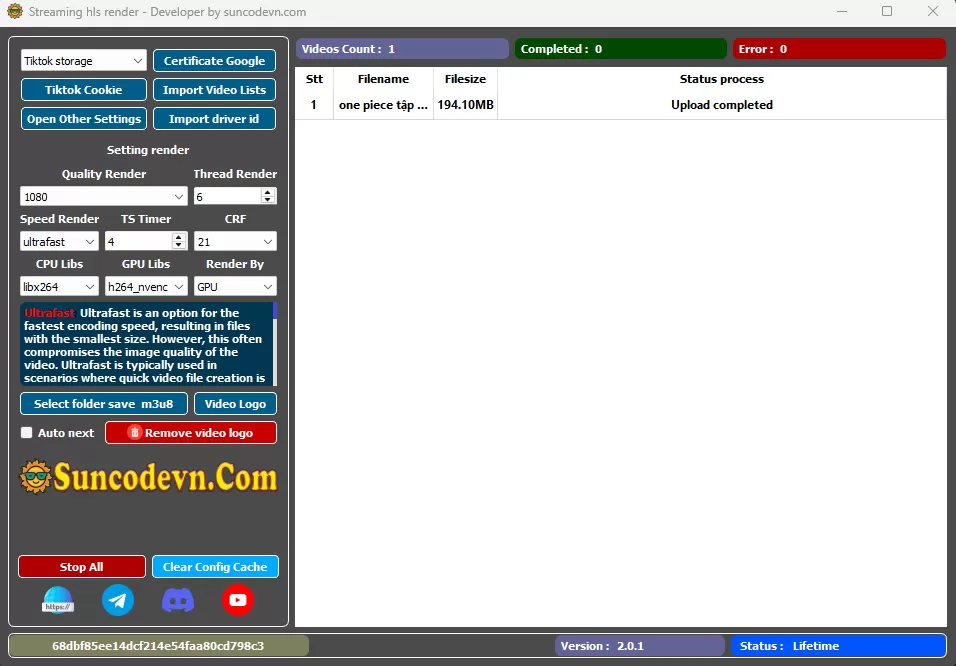
Tool Hls Streaming storage Tiktok